The guided tour
From the shoot to the feed.
How Campbell Creative's private client suite and AI Studio work — for creators and brands alike. No call required; watch, scroll, and explore.
Start the tourThe journey in six moves
The shoot
Our photographers and videographers capture your campaign on location — stills, motion and drone.
Delivered to your suite
Every select and every clip is uploaded into your private content library, organized by project.
Review & favorite
Log in, browse the full shoot, heart the frames you love and leave notes for the team.
AI Studio
Pick any photo. The AI resizes, restyles and writes captions for every platform — automatically.
Make it yours
Type exactly what you want — 'golden hour', 'magazine cover', 'billboard on Sunset' — and it's created.
Post & launch
Download ready-to-post Instagram, TikTok, YouTube and LinkedIn assets, plus full campaign plans.
Chapter I · On location
It starts with the shoot.
Our celebrity photographer and videographer capture every look — editorial stills, behind-the-scenes motion and drone footage. Nothing is lost; everything becomes raw material for your campaign.
Chapter II · Upload
Delivered to your private suite.
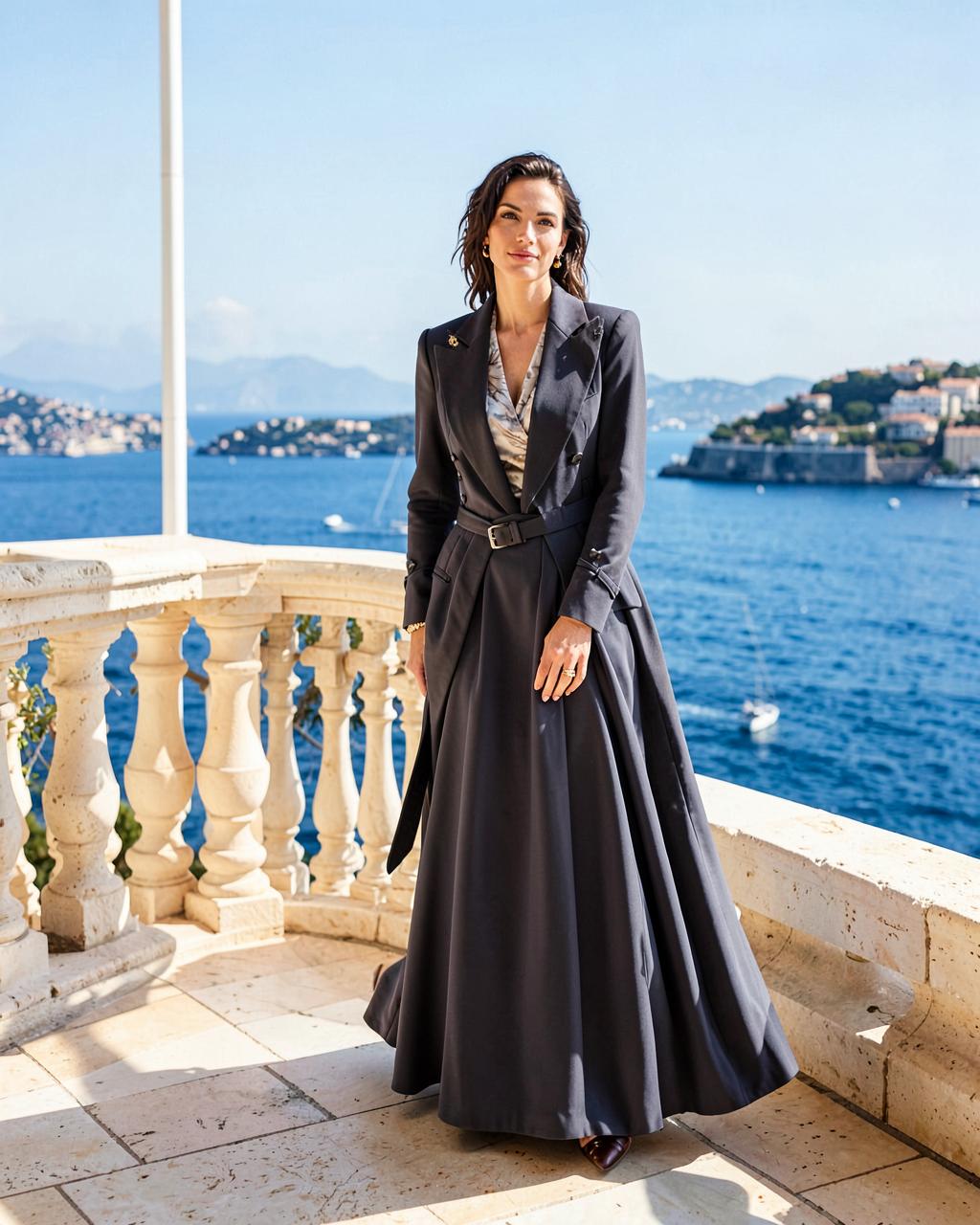
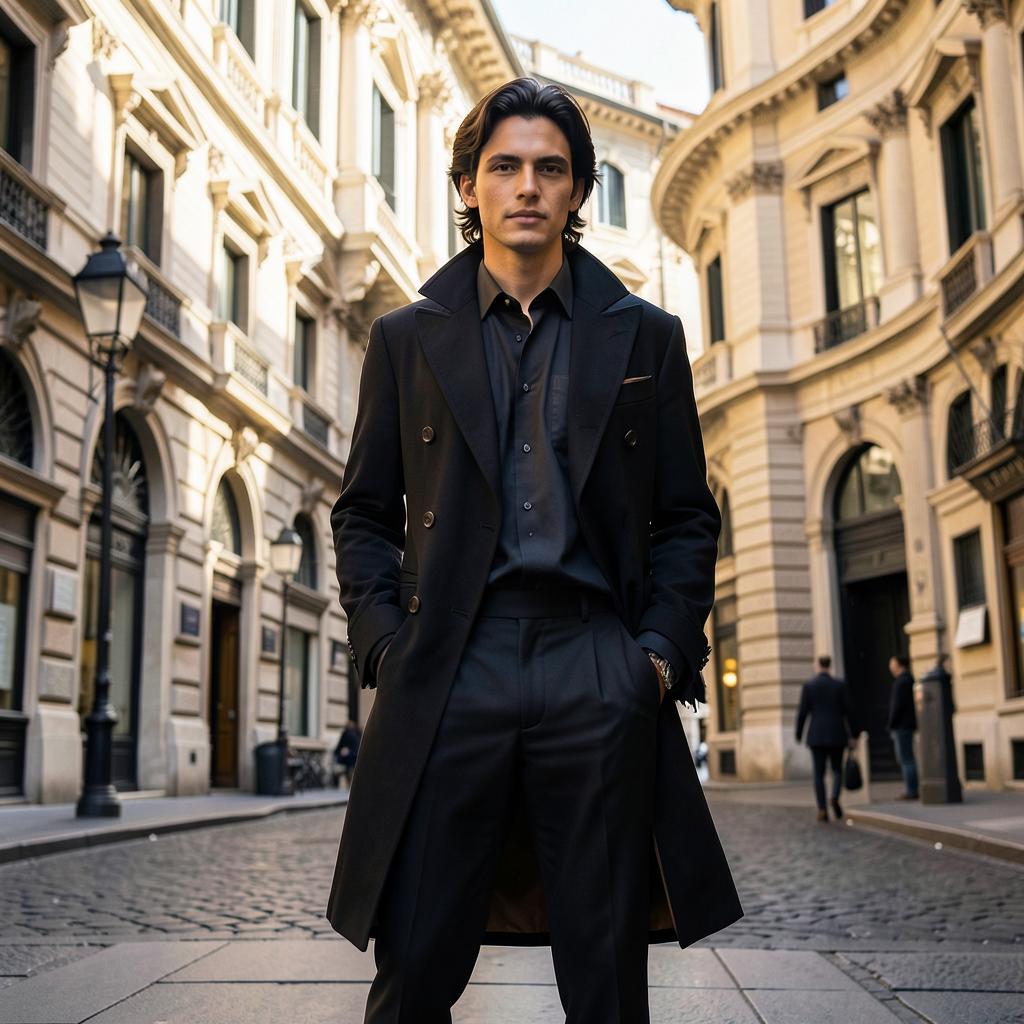
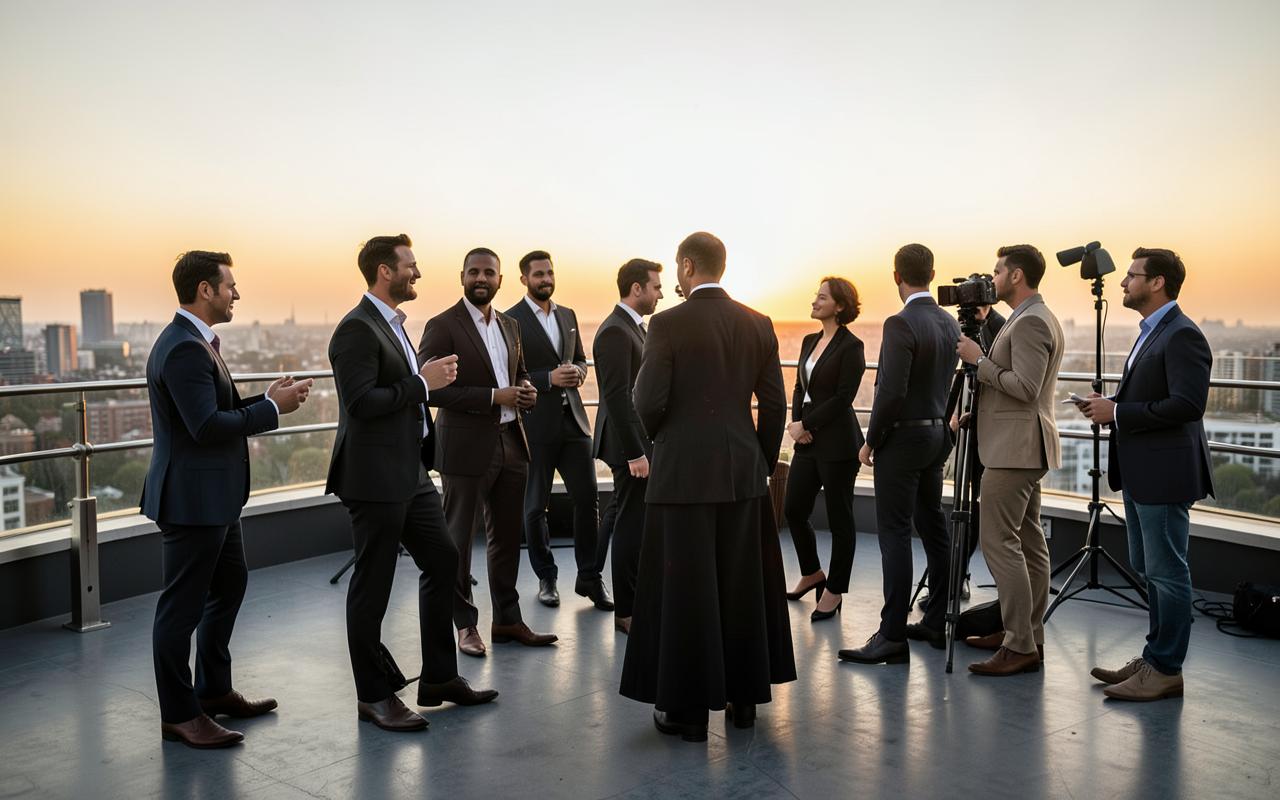
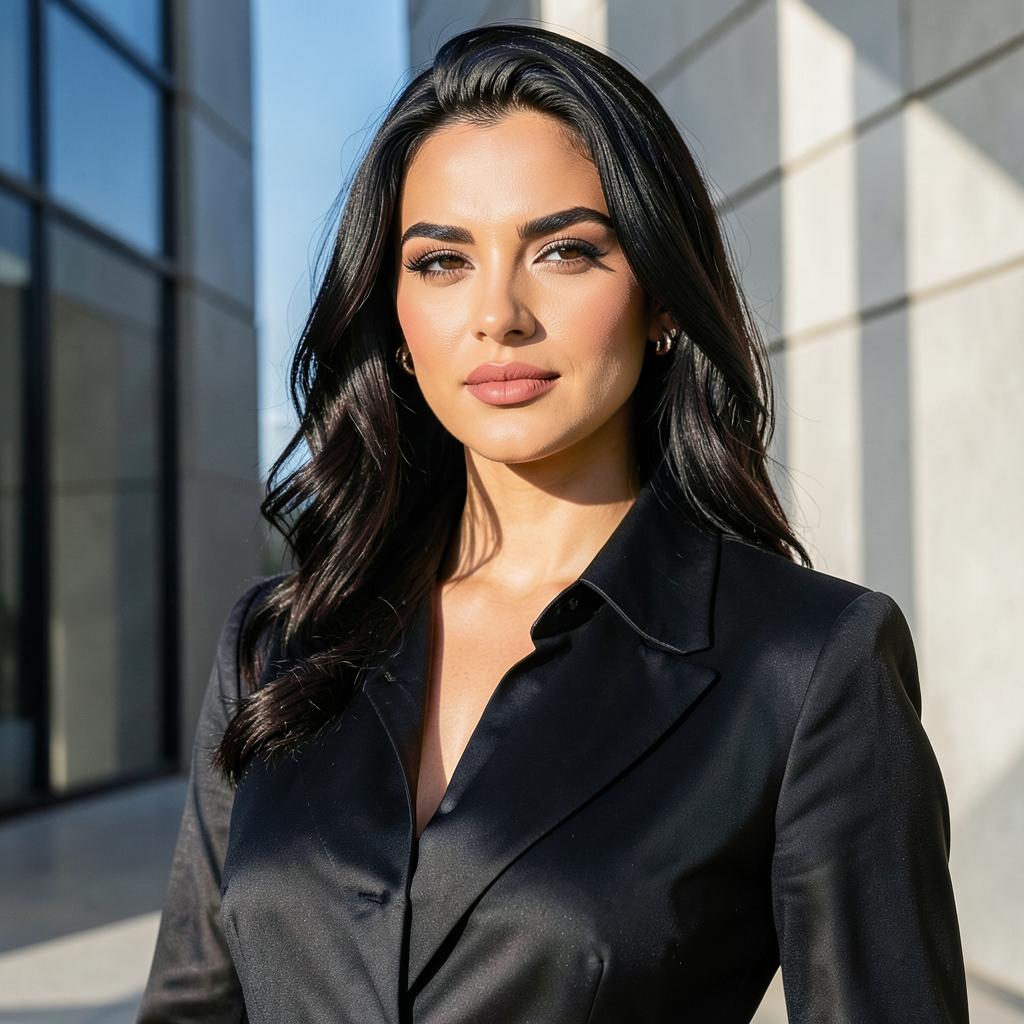
The team uploads selects and video into your content library. You're notified the moment your shoot lands.
Chapter III · Review
Browse, favorite, and leave notes.
Asset library · tap to favorite
Chapter IV · AI Studio
One photo. Every platform.
IG Story · 9:16Feed · 4:5Square · 1:1YouTube · 16:9LinkedIn · 1.91:1The AI looks at your photo, frames it perfectly for each platform and writes captions, hashtags and YouTube titles in your voice — in seconds.
Chapter V · Custom direction
Tell it what you want.
Your direction
|
Creators and brands can type anything: change the mood, place the photo on a billboard, build a magazine spread, or ask for "more YouTube thumbnails from this." The AI creates new versions from your real shoot.
Chapter VI · Inside the back office
Take the real suite for a spin.
Your production, in one place.
- ◆Live progress: Brief → Pre-production → Shoot, then Post and Delivery
- ◆Every upcoming shoot date and deadline, like your own calendar
- ◆Website & SEO performance for the site we build for you
- ◆Your bookings and saved documents, always on file
Recorded inside the real creator suite. Tap a step to jump ahead.
Chapter VII · Creators & brands
Two suites, one system.
Creator Command Center
- ◆Project snapshot & upcoming shoot dates
- ◆Private asset library
- ◆AI Studio: posts, remixes, campaigns
- ◆Bio writer, deal desk & scheduler
Brand Rev Up Portal
- ◆Live production monitor
- ◆Contracts, usage-rights certificates & hi-res files
- ◆AI creative brief generator
- ◆AI licensing assistant & campaign packages